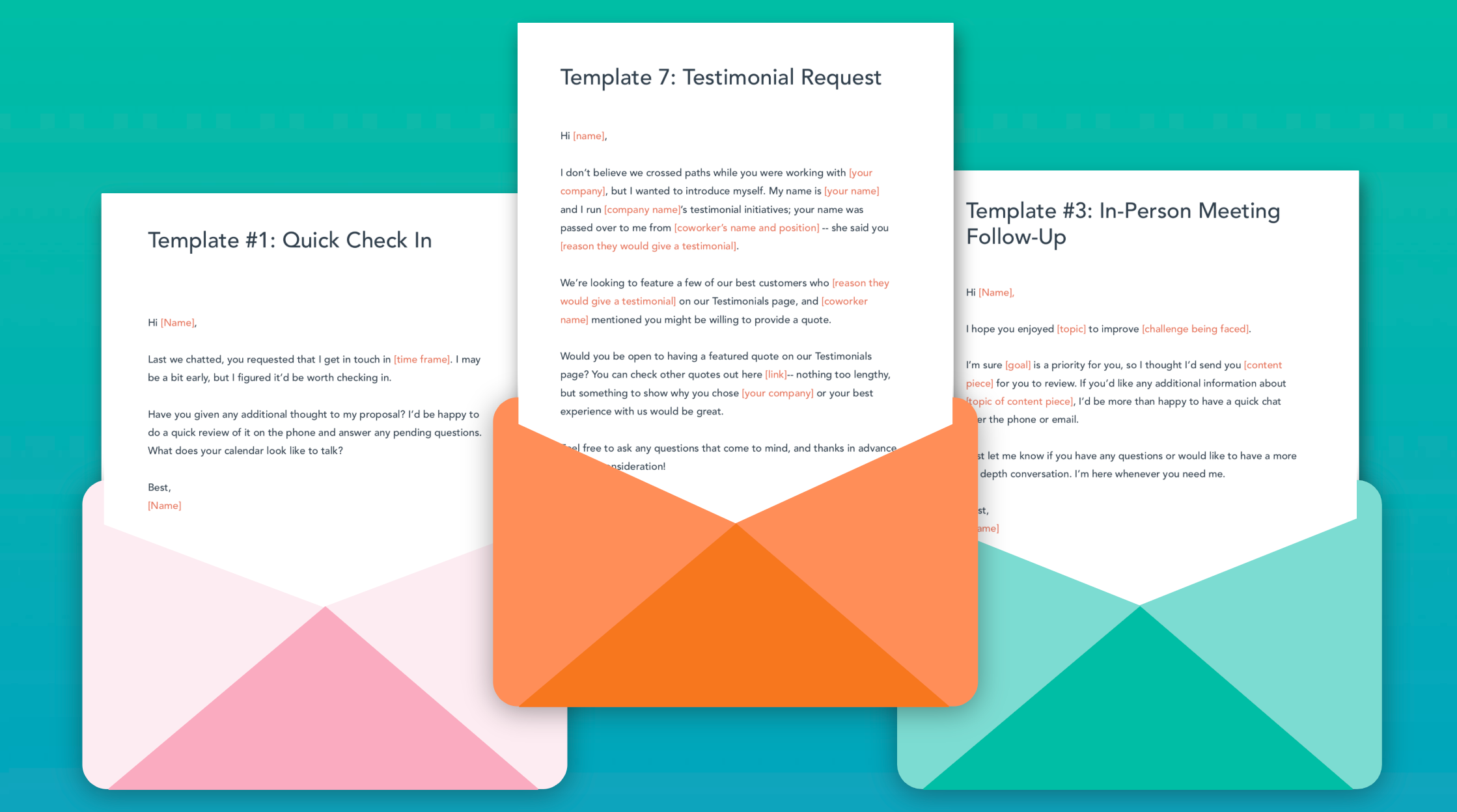
We know it's hard starting from scratch, so you don’t have to!! In the link below we have given you some templates to help you along the way. The templates can easily be adapted to send messages across your social media platforms. Use the tools your users do
Let’s be honest: no-shows are going to happen. Life gets in the way, and sometimes people just "can’t be arsed." I don't care how many projects I’ve run, I still over-recruit because the only way to beat a "ghost" is to have a backup.
But while you can't stop every no-show, you can stop your communication from being a mess. Most recruitment emails feel like spam or a court summons. At SprintDecks, we treat these emails as the scaffolding for rapport.
01. Structure is the Scaffolding
I always tell teams: "Rewrite these in your own tone, but follow the structure." Why? Because consistency is the key to building trust. Each email needs to lead naturally into the next so the participant never feels like they’re being handed off to a different department.
02. The "Wait, Why Am I Here?" Invite
Never assume a participant remembers why they booked a session. They have lives. Your calendar invite needs to be a "Quick-Start" guide: re-state the Who, What, and Where. It’s a courtesy that saves you ten minutes of awkward explaining at the start of your sprint.
03. Solving "Tech Anxiety" Before it Starts
Just because you live in Microsoft Teams doesn't mean your user does. I work with tech agencies who still struggle with "Join" buttons—and they’re the experts. Providing a "Step 1, Step 2" guide for the tech isn't just admin; it’s about starting the session in a state of calm. If the user is flustered because they couldn't share their screen, you’ve already lost the "human" moment you were looking for.
04. The "Rebook" as a Retention Technique
Shit happens. Instead of letting a participant just cancel or no-show, always offer a rebook. It’s a human way of acknowledging that life gets in the way. It also protects your sprint velocity—a rebooked participant today is a confirmed participant for a future sprint.
05. Consistency Equals Comfort
Comfort comes from knowing exactly what to do when things go wrong. Does the participant know who to email if their mic fails? Do they know if screen-sharing is critical? Setting these expectations early is the difference between a failed session and a breakthrough.
And now you're ready to start collecting some data. Go get a reading on your one page plan to pick your SprintDeck.